


The AI timeline builder for events that run on time
Describe your event and get a complete schedule in seconds. Then change one time and watch everything after it move — try it on this one.
Free 7-day trial • Cancel anytime
David & Sarah’s wedding
Saturday · 120 guests · 7 events
Ends 21:45
- 15:00Guests arrive30 min30 min
- 15:30Ceremony30 min30 min
- 16:00Family photos45 min45 min
- 16:45Cocktail hour1 h1 h
- 17:45Dinner service1 h 301 h 30
- 19:15Speeches30 min30 min
- 19:45First dance2 h2 h
Add 15 minutes to an event or drag it to a new slot — every later start time follows.
“Chronolio saves me at least 8 hours every week”
- 192 free timeline templates
- 20 event categories
- 16 free schedule builders
- PDF, Word & Excel exports
- No signup needed to try it
Powered by AI
Describe your event, get perfect timelines
Stop building timelines from scratch. Tell the AI about your event and it drafts a detailed, professional timeline you can edit straight away.
Describe it the way you would to a colleague
Event type, guest count, the key moments and a start time. One sentence is enough.
Get a structured draft in seconds
Realistic durations in a sensible order for your kind of event — not a generic list.
Keep editing in plain English
“Extend the reception by an hour.” The change is applied and everything after it adjusts.
Describe your event
Create a Hindu wedding timeline for 300 guests with pre-ceremony rituals starting at 8 AM
Chronolio drafts the day
- 08:00Ganesh Puja & morning rituals
- 09:30Baraat — groom’s procession
- 10:30Milni & welcome ceremony
- 11:00Wedding ceremony under the mandap
- 13:00Lunch service for 300 guests
- 15:00Couple portraits & guest mingling
Powerful features that make planning effortless
One change should never mean an hour of retyping. These are the parts that take the manual work out of a schedule.
Auto-Sort by Time
Timeline items automatically organize by time — change one time and watch everything reorder instantly.
Bulk Editing & Assignment
Change locations, reassign participants, or shift times across your entire event in seconds.
Exports
Turn timelines into polished, shareable documents for clients, vendors, and participants.
Sharing & Participants
Share live timelines with a public link — clients and vendors see the latest version, no account required.
Categories & Icons
Organize your timeline with custom categories and visual icons — identify ceremony, reception, and vendor events at a glance.
For every kind of event, and everyone who runs one
Different jobs, same problem: a schedule with too many moving parts and too many people who need it.
By event
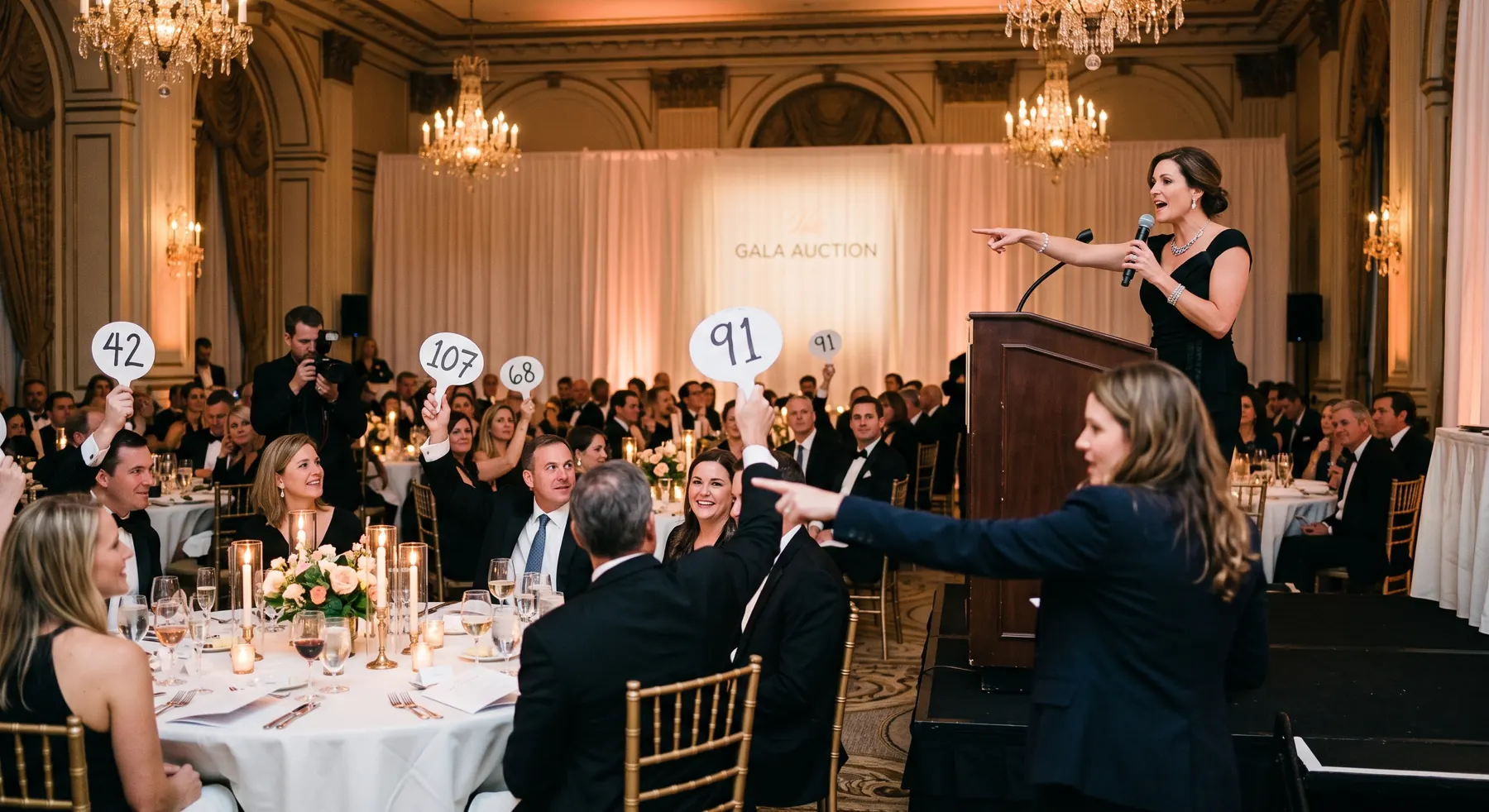
- WeddingsCeremony, photos, reception and every vendor on one timeline
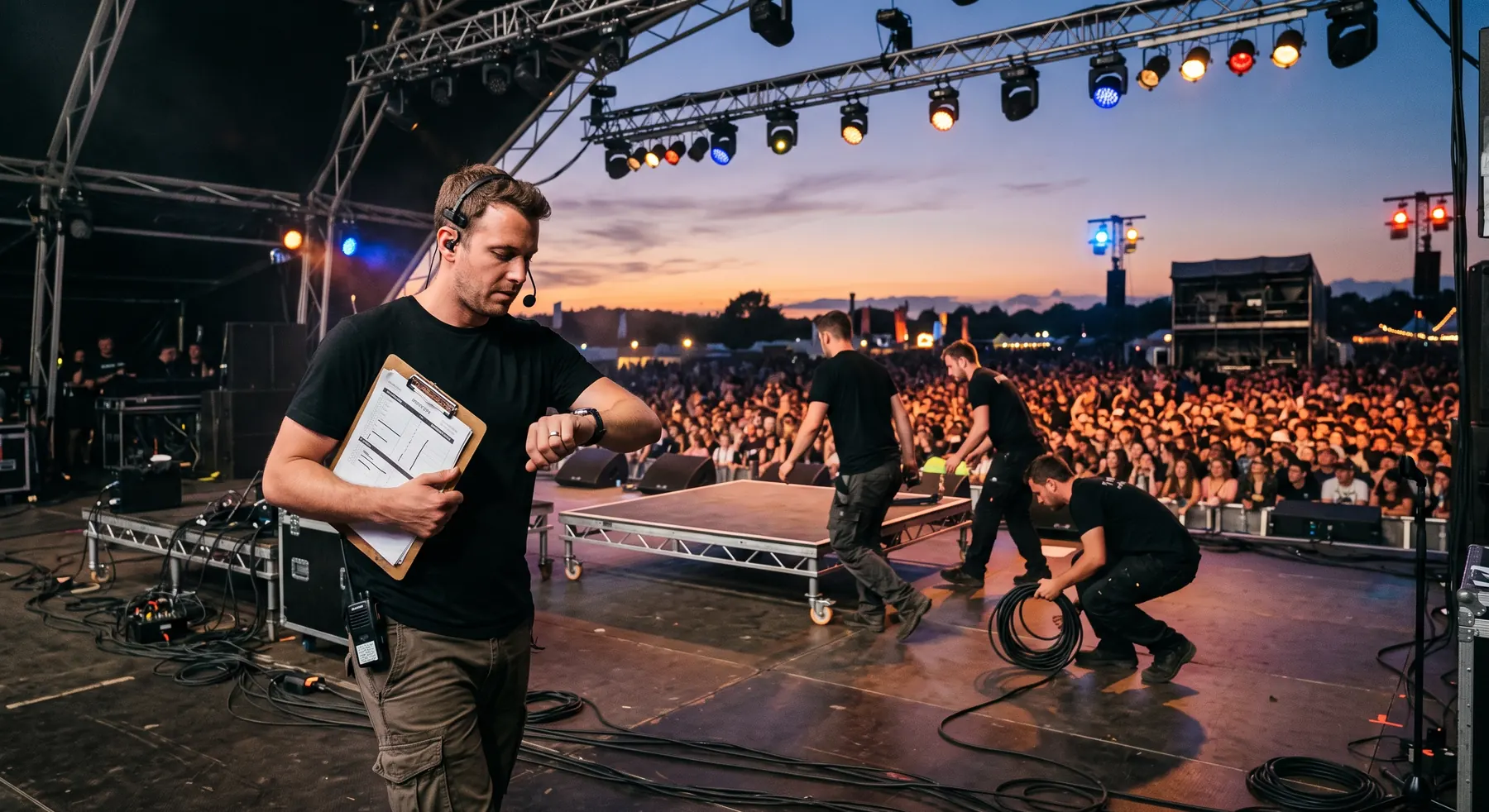
- ConferencesSpeaker schedules, breakout sessions and networking
- Corporate EventsMeetings, workshops, product launches and retreats
- Educational EventsAcademic conferences, training sessions and timetables
- Social EventsBirthdays, anniversaries, reunions and community gatherings
- Sports & TournamentsTournaments, match days and training sessions
By role
- Event PlannersAI drafts, cascading changes and one live link per event
- Wedding PlannersVendor views and client-ready exports across every booking
- PhotographersPlan coverage backwards from golden hour
- Venue ManagersOne run sheet your staff, caterer and client all read live
- Conference OrganizersMulti-track agendas and speaker changes that cascade
- Teachers & School AdministratorsSports days, concerts and open days, shared with everyone
Free resources
Free timeline templates for every event
In-depth guides from working event planners, each with a complete sample timeline and free PDF & Word downloads — no signup required.



Also new: AV & Tech Timeline Template (Free Production Schedule) · Awareness Campaign Plan Timeline Template & Guide · Baby Arrival Planning Timeline (Free Schedule Template)
Try an interactive builder — no signup
Set your options and get an editable, printable schedule in seconds. Open any result in Chronolio for AI generation, saving, and sharing.
See all 16 toolsPlanning guides from working event professionals
Practical, in-depth advice on running weddings, conferences, and everything in between.
Frequently asked questions
The short answers. The full list covers pricing, exports, sharing and the AI.
All questions answeredWhat exactly is Chronolio?
Chronolio is an AI-powered timeline creation platform designed to create timelines, agendas, schedules, itineraries and programs — faster, smarter, and more collaborative. It replaces clunky spreadsheets and documents with an intuitive drag-and-drop interface and powerful AI assistance.
How does the AI timeline generation work?
Describe your event in plain language — "a 150-guest garden wedding with a 2 PM ceremony" — and Chronolio generates a complete, professionally structured timeline in seconds. The AI understands event types and suggests industry-standard timings and sequences.
Can I share my timeline with clients or vendors?
Yes. Generate a public share link that anyone can view without an account. Premium sharing is watermark-free, so the timeline you send clients looks like yours, not ours.
What happens after my 7-day free trial?
If you love it, your Premium subscription continues at the plan you chose. If not, cancel anytime during the trial and you won't be charged. Your timelines remain accessible on the free tier's limits.
Ready to plan events that actually go according to plan?
Free 7-day trial • Cancel anytime
Receive the latest updates
Special discounts and first access to new features — no spam.